

01 Hospitality & Retail
Ask in the best moment
A stand on the table or a code on the receipt: guests review while the food still tastes good — not later, when they'd have to search for the profile at home.
Ships from Germany · 1–2 business days
Sold out · back soon
Free · No sign-up
Happy customers would gladly leave a review — and give up trying to find your profile. This code opens the review window directly: scan, write, done. All you need is your business's Place ID.
Step 1 · What should your code do?
Step 2 · Fill in
Leads straight to the review window of your Google profile.
Step 3 · Appearance
All optional — the code works fine as it is.
Example preview · 25×25
Fill in the fields on the left — your code appears as you type.
100% local · No data transfer · Unlimited and free
How it works
Step 01
Google provides the "Place ID Finder" for this (search for "Place ID" on developers.google.com): type in your business name, copy the ID. It usually starts with "ChIJ".
Step 02
Paste the Place ID — the code appears instantly. With your logo in the middle, customers see at a glance where the scan leads.
Step 03
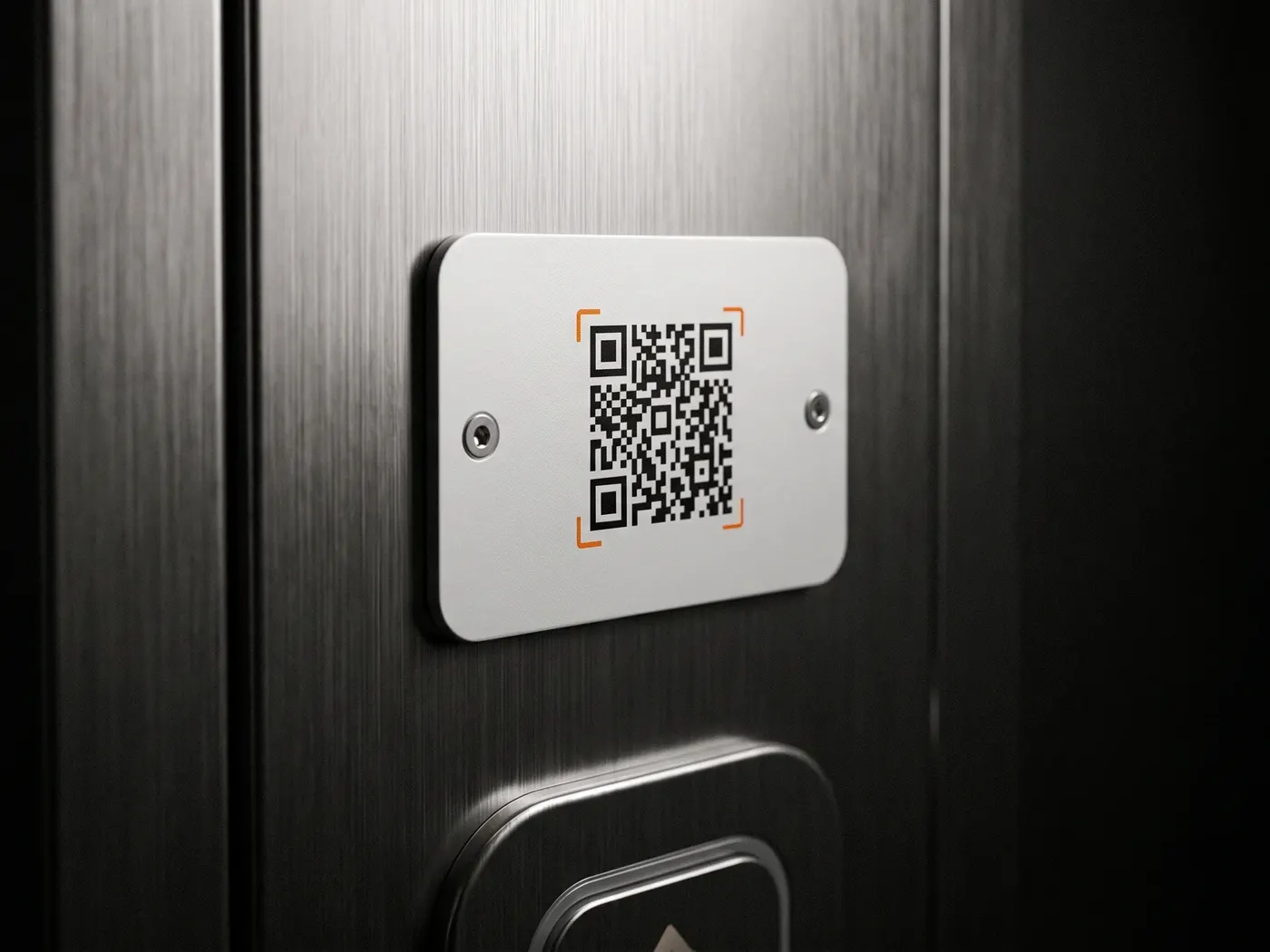
At the counter, on the receipt, at the table or on the door — best of all where the visit just went well. The scan opens the review window directly.
Where the review code pays off
01 Hospitality & Retail
A stand on the table or a code on the receipt: guests review while the food still tastes good — not later, when they'd have to search for the profile at home.
02 Trades & Services
A code on the invoice or business card: the satisfied customer reviews right after sign-off — exactly when satisfaction is highest.
03 Practice & Studio
Reviews are the strongest local ranking signal on Google. A notice in the reception area turns happy visitors into visible recommendations.
Questions & Answers
Fastest via Google's "Place ID Finder" (search for "Place ID" on developers.google.com): enter your business name, click the suggestion, copy the ID. It looks something like this: ChIJN1t_tDeuEmsRUsoyG83frY4.
The Google review window for your business opens directly — the customer doesn't have to search for you first and can rate and write right away.
Yes, asking is explicitly allowed. Not allowed under Google's policies: offering rewards for reviews or deliberately steering only happy customers to review.
Yes — as long as your Google Business Profile exists, the Place ID stays valid. The code itself never expires and costs nothing later either.
No. The camera app is enough — the link opens in the browser or in Google Maps, depending on the device.
For businesses
SilentLink builds points of contact for businesses: from a service reporting point to a white-label product with your own brand.
Privacy
You know the drill: we see what you like here and which ads land — and you see less nonsense in return. Essentials run anyway. Details: privacy policy.