

Personal advice · reply within 24 h

SilentLink

SilentLink Business · ServiceID

Report faults by QR code, right at the device.

A report point on every device, every installation and every common area. Anyone who notices a fault scans, picks a topic and sends. The report reaches your team with device, location and timestamp, by email or as a new case in your ticketing system. No app, no account, around the clock.

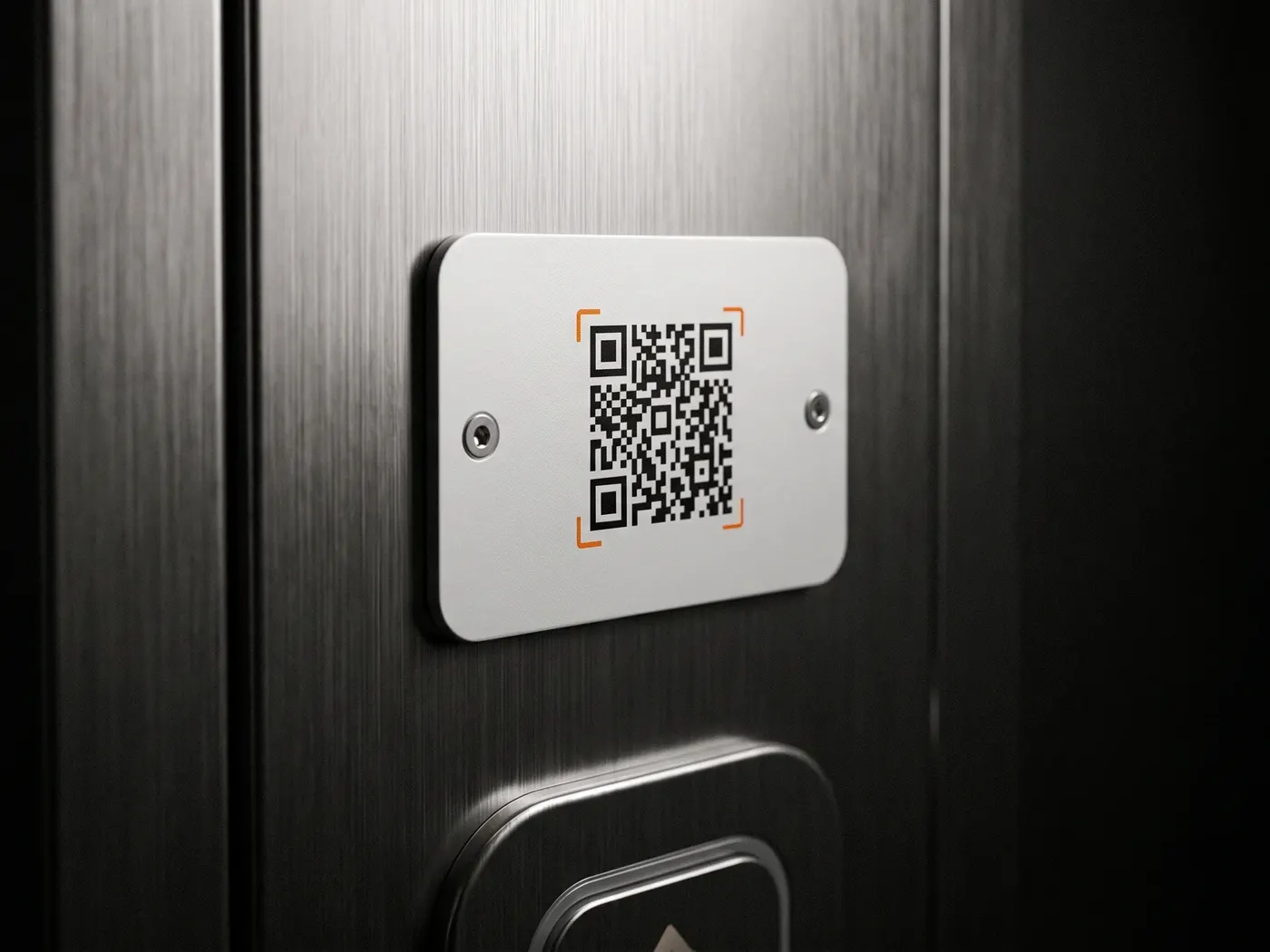
A service label with a QR code on the stainless steel panel next to a lift button
from €0.50
per device per month, plus setup
0
apps, accounts or training for people reporting
about 2
weeks to the first report
24/7
reporting, including nights and weekends

The difference

Two routes to the same report.

Most faults go unreported because the route to reporting them is too long.

Via the hotline

Minutes, if at all

  1. Look for a number: there is none on the device
  2. Hold music and working out who is responsible
  3. Describe device, location and problem
  4. Follow-up questions, because something is missing

Only what can't be ignored any longer gets reported.
With ServiceID

Under a minute

  1. Scan: device and location are captured
  2. Pick a topic, add a photo if needed
  3. Send

Complete, assigned and timestamped, with the right team.

People reporting need neither an app nor an account. That is exactly why they report.

What happens in the background

A scan becomes a case.

Between the scan at the device and the report in the inbox, the system assigns, structures, delivers and documents. Nobody on your side has to lift a finger.

  1. 01 The context is set before the first word.

    Every report point is assigned to a device and a location. Nobody dictates device numbers, and nothing gets mixed up.

    Device K-12 · 3rd floor west

  2. 02 A selection becomes a record.

    Reports use your topics instead of free text, with description and photo attached. So every report arrives in the same structure.

    Topic: defect · 1 photo

  3. 03 The recipient is already decided.

    Each report point stores who is responsible: the lift reports to maintenance, the washroom to cleaning.

    Recipient: facility team

  4. 04 Delivered the moment it is sent.

    The report goes straight to your team as a structured email, or via webhook as a case in your ticketing system.

    Email · Webhook

  5. 05 Documented without any effort.

    Every report is archived with device, location, topic and timestamp, and remains traceable months later.

    Archive · Timestamp

  6. 06 Reports become patterns.

    The reporting shows which devices report most often. So you can see where a replacement pays off.

    Statistics per device

Report record Delivered
Device
Coffee machine K-12
Location
3rd floor west
Topic
Defect
Note
“Display shows error E05”
Attachment
1 photo
Recipient
Facility team
Received
Tuesday, 14:32

Copy in the archive · counts in the statistics

The record that reaches your team.

The reporting page is multilingual. People report in their own language, and your team receives the same structure.

6 steps · 0 tasks for you

Service label & maintenance sign

The maintenance sign becomes a reporting route.

Inspection stickers and maintenance labels only inform. Someone standing in front of them who sees a problem has no way to report it back. A ServiceID report point combines both: the sign in your design and the scan that triggers a report about the installation.

This is how digital maintenance starts where faults are noticed: at the device. Your maintenance or CAFM system stays in place, and ServiceID feeds it complete reports instead of handwritten notes.

  • Weatherproof and UV-resistant, for indoor and outdoor use
  • In your design, with the inspection date on the same sign if you wish
  • Does not replace a legally required inspection sticker
  • Damaged report points can be blocked and replaced individually
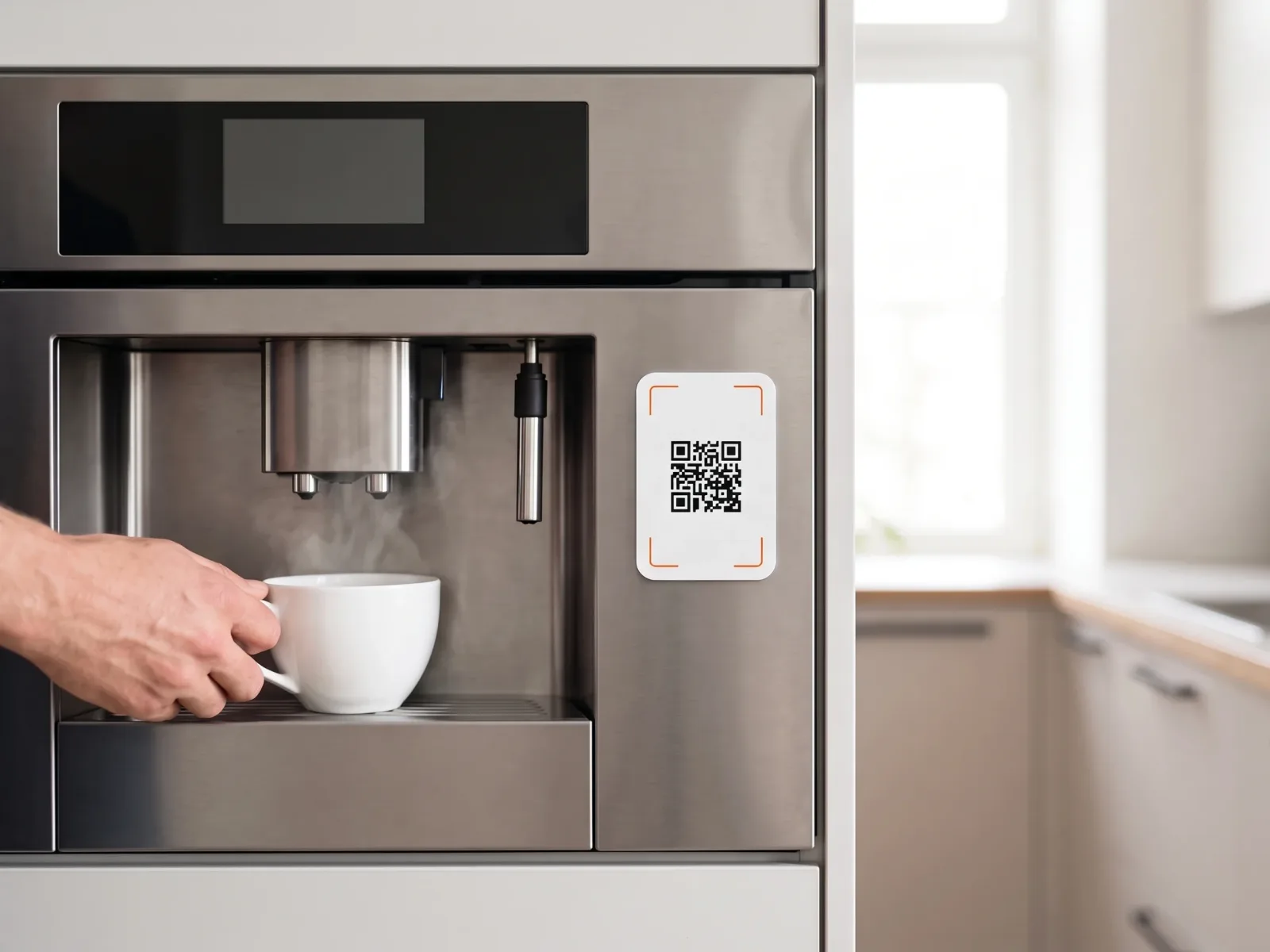
A white report point with a QR code on the stainless steel front of a bean-to-cup coffee machine, a hand placing a cup under the spout
Report point on the coffee machine

An honest comparison

What you use today stays.

ServiceID replaces neither your hotline nor your sensors nor your ticketing system. It catches the reports that currently get lost on the way there.

  • 01 Hotline

    Stays for urgent matters

    Someone in an urgent situation needs a person on the phone who asks questions and makes decisions. Routine reports from devices tie up staff there, though. The scan takes those over.

    • Stays: escalation and complex cases
    • New: routine reports without hold music
  • 02 Telemetry

    Stays for measurements

    Sensors detect temperature, running time and error codes earlier than any person. They don't see dirt, vandalism or an empty dispenser. The report point needs neither power nor a wireless connection for that.

    • Stays: machine data
    • New: everything people notice
  • 03 Ticketing system & CMMS

    Stays for handling cases

    Your system manages cases and maintenance. What's missing is the route from the device into it. ServiceID feeds it complete, assigned reports by email or webhook, for example to Jira, Zendesk or Freshdesk.

    • Stays: your processes
    • New: reports from everyone, no login

Prices & process

What ServiceID costs.

One price per device, a one-time setup, no minimum term.

Price
from €0.50 per device per month, excl. VAT, volume tiers available
Setup
one-time, based on scope: topics, recipients and report points per location
Worked example
120 vending machines at 8 sites: from €60 per month
Contract
no minimum term, start with one site or one group of devices
Process
Intro call, concept with topics and recipients, production of the report points, installation in an afternoon
Start
about two weeks from order to first report
Delivery
Email to any inboxes, several recipients per report point, webhook into your ticketing system
Included
Report points, configuration per location, delivery, archive and reporting

Questions & answers

Frequently asked questions about ServiceID.

Does a QR code reporting system need an app?

No. The ordinary phone camera is enough, and the scan opens a web page with your topics. That is why visitors, tenants and passers-by report too, people you could never train.

What does a QR code reporting system cost?

ServiceID costs from €0.50 per device per month, plus a one-time setup based on scope, with no minimum term. Included are report points, configuration per location, delivery, archive and reporting.

Does it work with our ticketing system or CAFM?

As a rule, without a project. Reports go to any inbox, and every system with email intake turns them into a case. For direct integration there are webhooks, and if an integration is missing, we build it as needed. Your system and your processes stay unchanged.

How does the service team know which device it's about?

Every report point is permanently assigned to a device and a location. The report never arrives as “something is stuck somewhere”, but as “Coffee machine K-12, 3rd floor west, defect, photo attached”.

The code is in a public place. What about nonsense reports?

Reports use your topics instead of free text, and every report is assigned to a device. If a report point attracts misuse, you block and replace it without touching the others.

Does the report point replace the statutory inspection sticker?

No. Inspection stickers and inspection intervals stay as they are. If you wish, the inspection date and the reporting function can go on the same sign.

Can different devices have different topics?

Yes. You define topics, required fields and recipients per location. The lift reports different things than the washroom, and each report goes to the team responsible.

ServiceID

Make faults reportable.

Briefly describe which devices and sites you look after. In the intro call we show you a suitable setup, and then you receive a quote.

AS

Abdou Seye

Co-Founder & CSO · Business

[email protected]

You speak directly with us, the people who built the system.

Book an intro call

30-minute call · free & no obligation

Write a note

Briefly describe your project · reply within 24 h on business days

  • Reply within 24 h on business days
  • Free & no obligation
  • Software made in Germany · Servers in DE & EU · GDPR-compliant
View prices